

6 Best Budget Gaming PC Tech Choices in the Midst of Rising Tech Prices

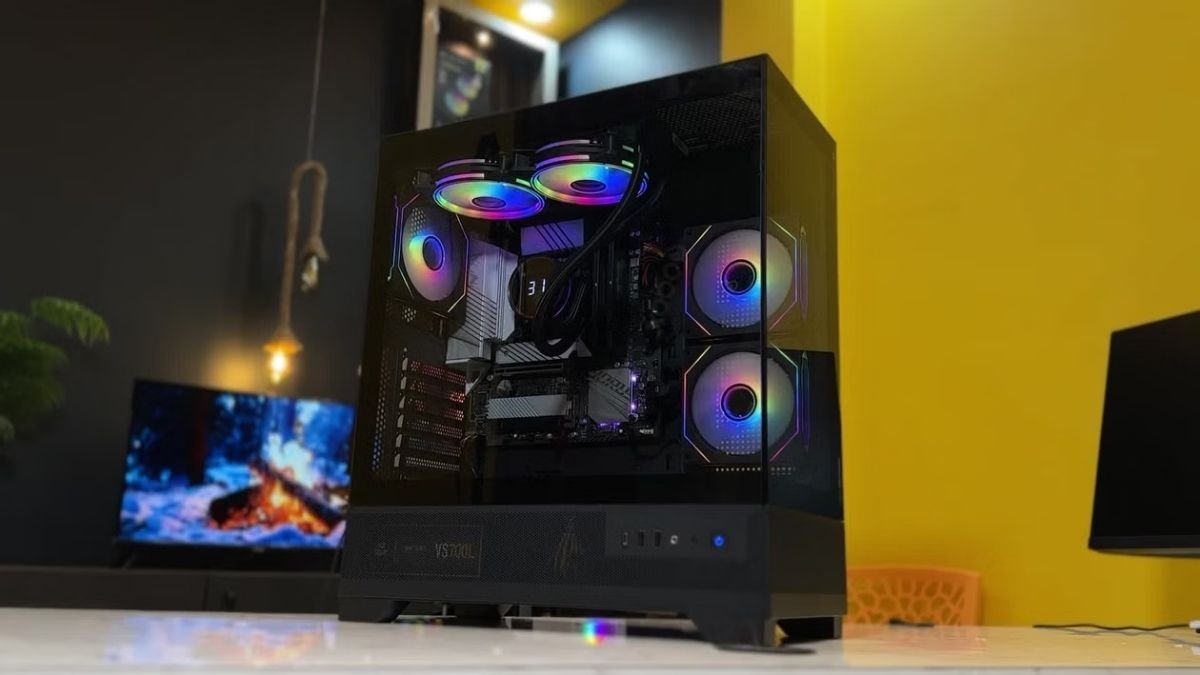

The PC gaming industry has been in a rough spot since late 2025 seeing RAM, SSD, and Graphics Cards prices going up because of companies investing more on the production of the said parts for AI Data Centers. We have now created a list of parts that could be on the budget friendly side considering both affordability and performance!
Random Access Memory
Let us address the elephant in the room, RAM has seen prices tripling or even quadrupling as AI has been eating up RAM supplies. For gamers, RAM is one of the good investments you could make in PC building as it helps in multitasking and loading game textures easier for the computer overall.
From opening multiple chrome tabs because of school work, or running games smoothly, RAM has one of the biggest impacts. We have prepared two RAM choices that you could consider, although prices are still terrible, we believe this could help gamers try to look at building for both good performance and a good price.
Kingbank KJXB – Random Access Memory (RAM)
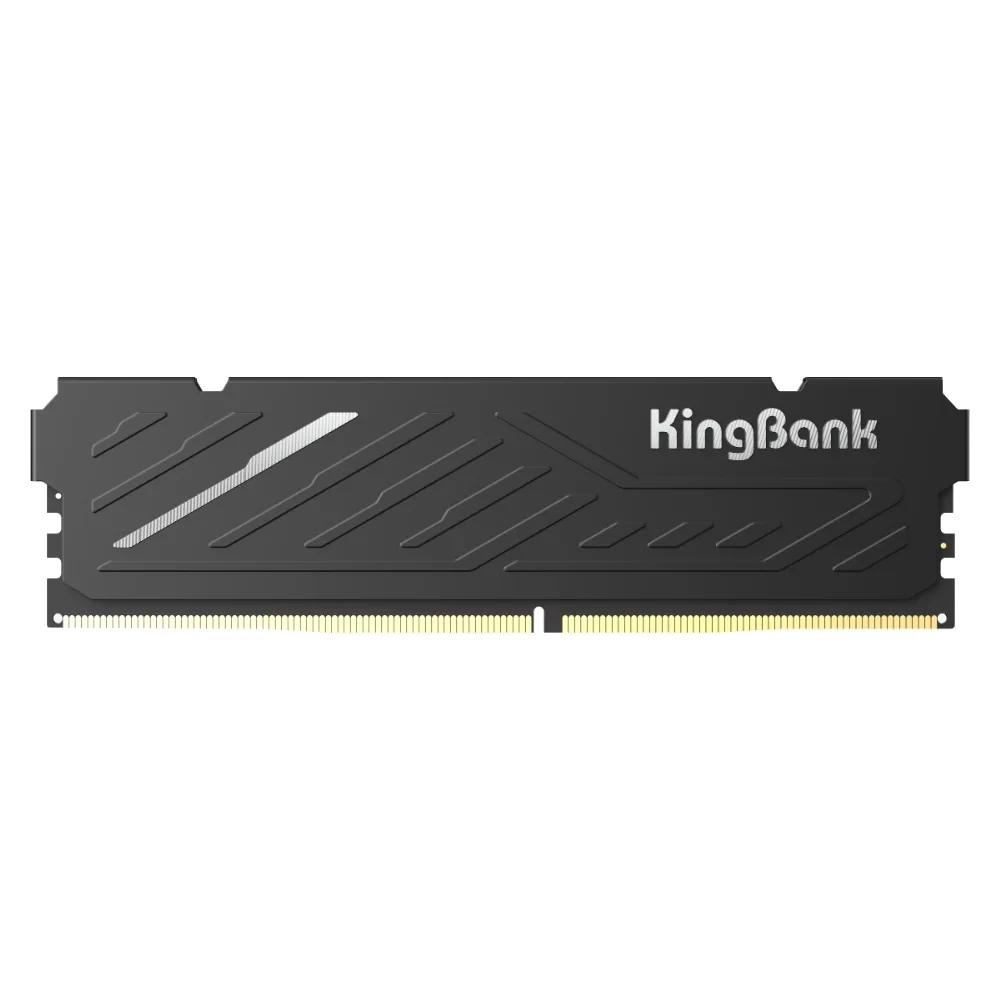
Stores both online and physical have shown stocks of DDR4 16GB 3200mhz Kingbank Random Access Memory (RAM) for the price of 6,000 PHP – 8,000 PHP which trumps other ram prices that are normally going for 10,000 – 12,000 PHP per stick.
- 6,000 – 8,000 PHP Price Range is still bad compared to its original pricing of 2,000 – 3,000 PHP but with the state of the RAM market today, and the prices of other competitors, these are one of the best deals you could get for something brand new.
- DDR4 16GB which is more than enough for gaming and immensely reduces lag compared to 8GB RAM setups.
- 3200mhz which makes your computer faster in reading memory and data and is the standard speed for most games.
G.SKILL Ripjaws V – Random Access Memory (RAM)
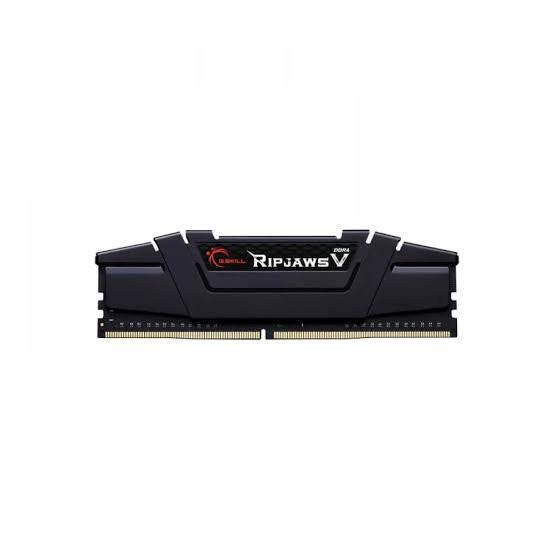
If you are looking for a more popular choice, the one from G.SKILL might do it for you. Going for 8,000 PHP – 9,000 PHP depending on the store, you could get a DDR4 16GB 3200mhz for less compared to other brands like Kingston, Lexar or Teamgroup T-Force.
- 8,000 PHP should be terrible for RAM but both for guaranteed reliability, and decently affordable ram in today’s market, this remains as one of the decently priced RAMs that are mainstream.
- DDR4 16GB like the Kingbank KJXB
- 3200mhz like the Kingbank KJXB so the only difference and consideration you will be thinking of is its price, popularity and image in the tech market.
Both are good choices when trying to look at RAM sticks as they help with the multitasking and computing of your personal computers. Although there are cheaper ram sticks that provide either 4GB or 8GB for lesser prices, we are also looking at upgradeability and longevity when trying to build PCs.
Given that video games these days require 16 gigs minimum, already investing on one 16GB stick allows the user to upgrade from 16 to 32 or even 64 gigs of RAM. The ability to open multiple chrome tabs, to play vast open world video games, and increase frames overall takes up the weight that some of the computer parts take.
Solid State Drives
Let us now talk about load timers! One of the “niche” things for gamers are load timers as it either makes or breaks immersion in some gaming sessions. May it be playing story games like God of War, the Assassins Creed Series and Ghost of Tsushima to name a few, faster load times are essential for immersion and the story telling aspects.
You may also play competitive games like CSGO, Valorant and Rocket League that value time and momentum for better performance. Load timers will always be part of this! Now SSDs help with that problem. Forget looking at black screens for minutes on end, hop into the vast world of your games in just seconds!
Crucial E100 M.2 SSD – Storage
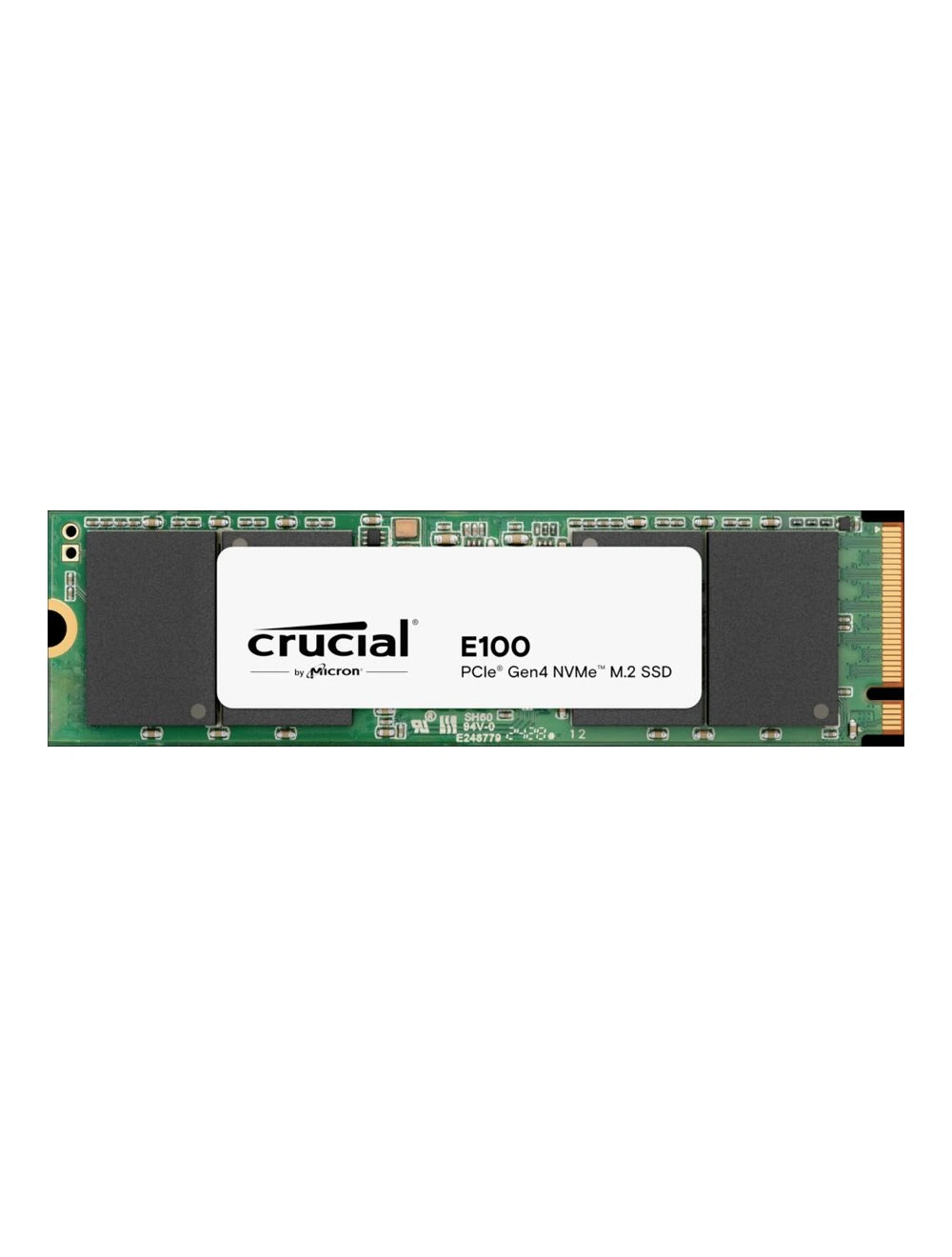
SSD Prices are much more difficult to get good deals from however, as you look both for reliability, budget, and decent memory size for your computer. As you store your data in these things, you would not want to take any type of risk just to cheap a few thousand pesos. Crucial E100 meets both affordability and reliability as it has an image as one of the best entry level cards for beginners and budget pc builders.
- 10,000 – 11,000 Price Range
- 1TB worth of storage is a lot and can store plenty of data without having to worry about running out and not having enough.
- 5,000 MT/s Read Speed & 45000 MT/s Write speed which reduces loading times, computer booting, and save times during gaming or other tasks like editing or copying files.
- Form factor is M.2 and supports PCIE Gen 4 which means it directly connects to the motherboard allowing for better speeds in transferring data.
Lexar NQ780 M.2 SSD – Storage
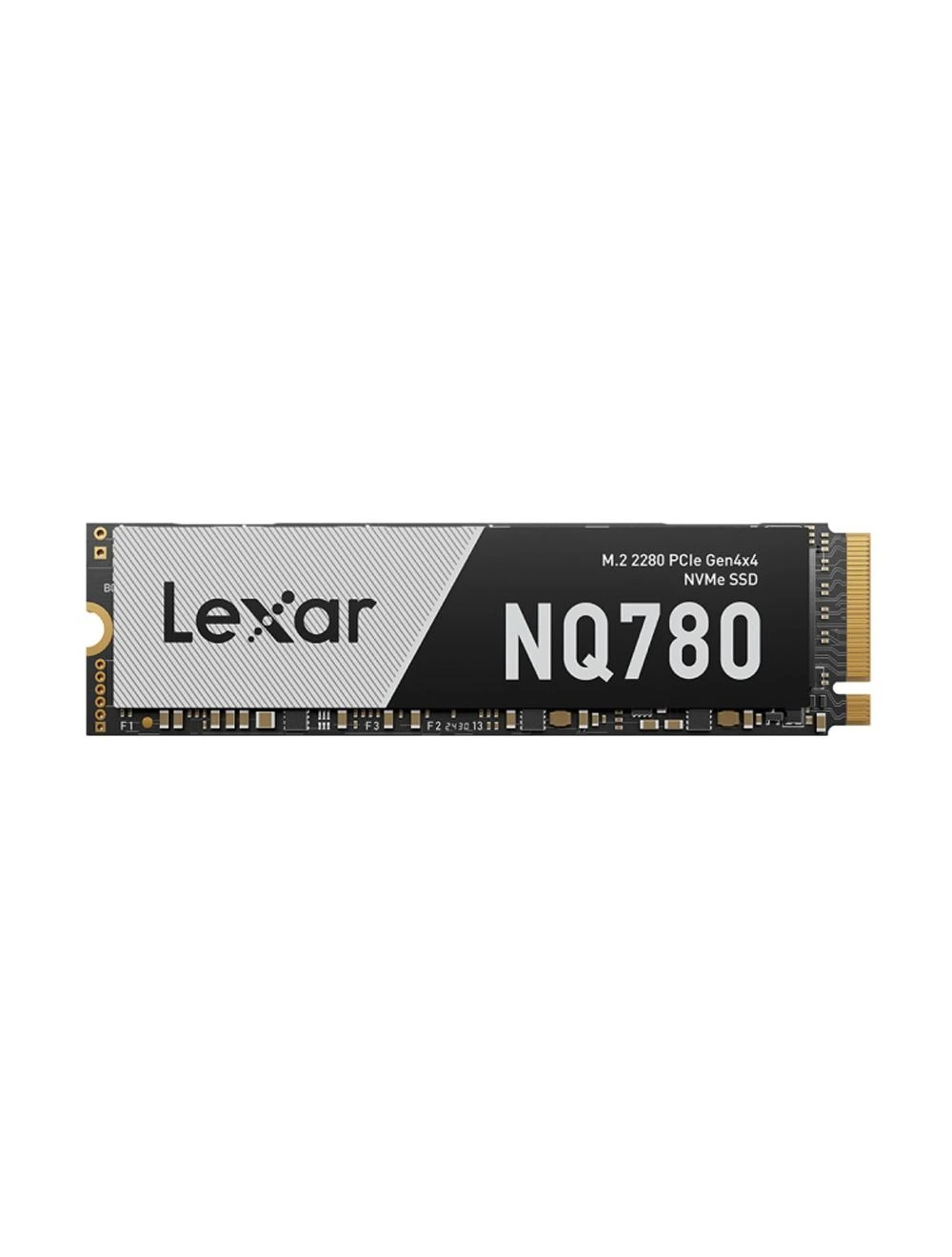
This SSD has a much cheaper option though with lower storage space, is still a practical choice both in work purpose and gaming. Lexar, also known for its storage and technology can still be both reliable and affordable without you worrying about your data getting corrupted or wiped.
- 7,000 – 8,000 Pesos Price Range
- 512GB worth of storage which is enough for both modern gaming and tasks for work.
- 6,000 MT/s Read Speed & 2,500 MT/S Write Speed which still reduces loading times and pc boot times but is a bit slower on saving or copying files compared to the Crucial E100.
- Form factor is M.2 and supports PCIE Gen 4 which also means it directly connects to the motherboard allowing for better speeds in transferring data just like the Crucial E100.
Graphics Cards
Graphics Cards take up most of the gaming requirements of computers. For Gamers this is their bread and butter in running both good looking and smooth games! Some graphics cards make it able for you to run AAA games smoothly as they render images, videos, and 3D animations.
But graphics cards depend on those who made it, prioritizing and utilizing different tools. And on this list you would see the potential of the two giants that produce graphics cards in the PC market which are AMD and NVIDIA.
RX 7600XT – Graphics Card
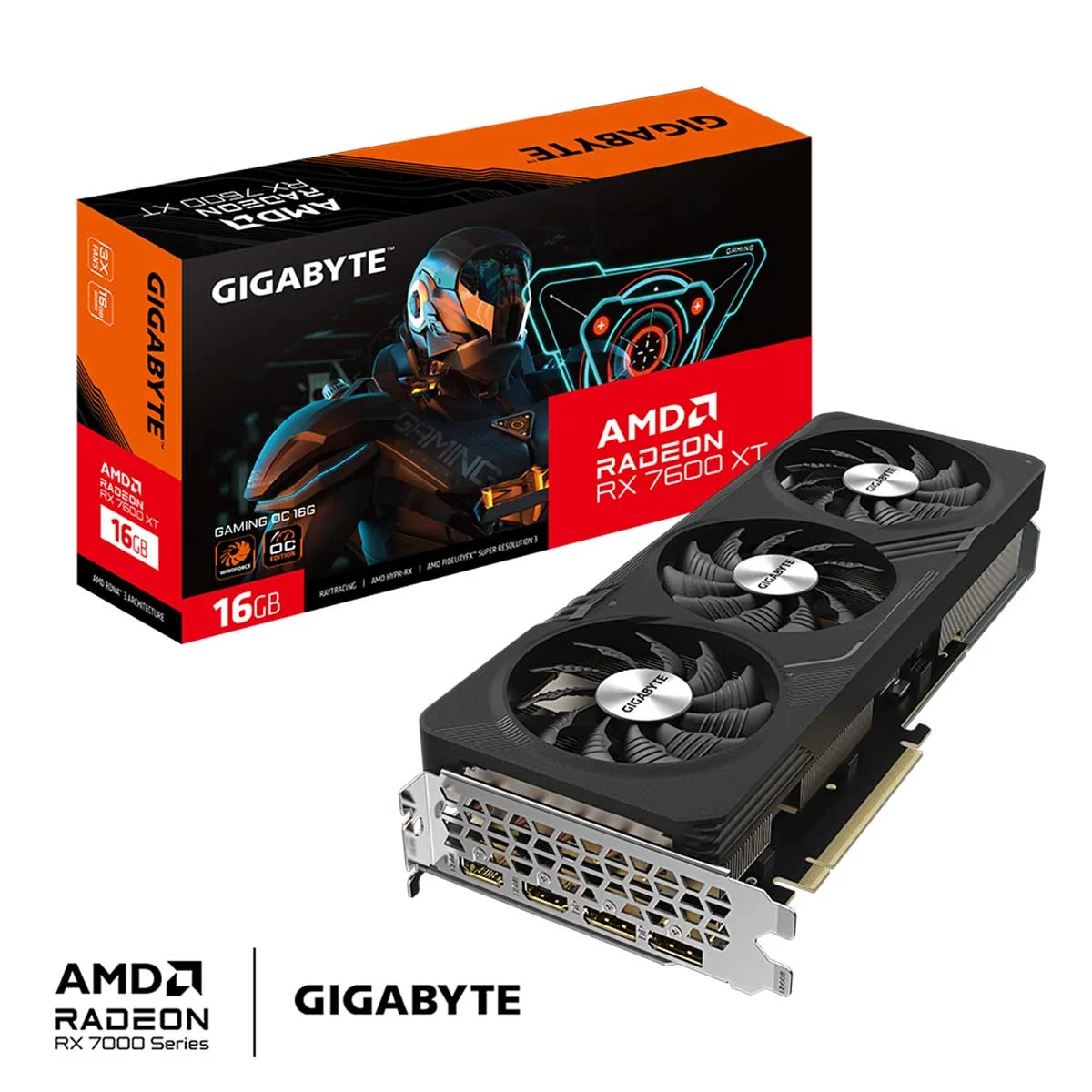
One of the biggest investments you could spend on gaming are graphics cards as it enhances both the look of your games and its performance. That is where the RX 7600XT comes in with a good bang for your buck price to performance as AMD are known for raw gaming performance products.
- Price Range is 21,000 to 23,000 Pesos
- 8GB VRAM which in today’s modern gaming world is becoming more of the norm.
- Good price to performance compared to other competitive cards like NVIDIA and Intel.
- Has AMD FSR and Frame Generation which is a software that upscales the resolution for smoother gameplay with the cost of image clarity.
- Consumes around 190-200 watts which means you need a 600 Watt power supply for it to properly run.
- 1 HDMI Port and 3 Display Ports for better images and accurate colors for monitors.
- It is a really good 1080p Card and is a budget entry level 1440p Card given that the graphic settings are lower than what you will have it set on 1080p. Basically, it can handle AAA games as long as you mess with the settings.
RTX 5050 – Graphics Card
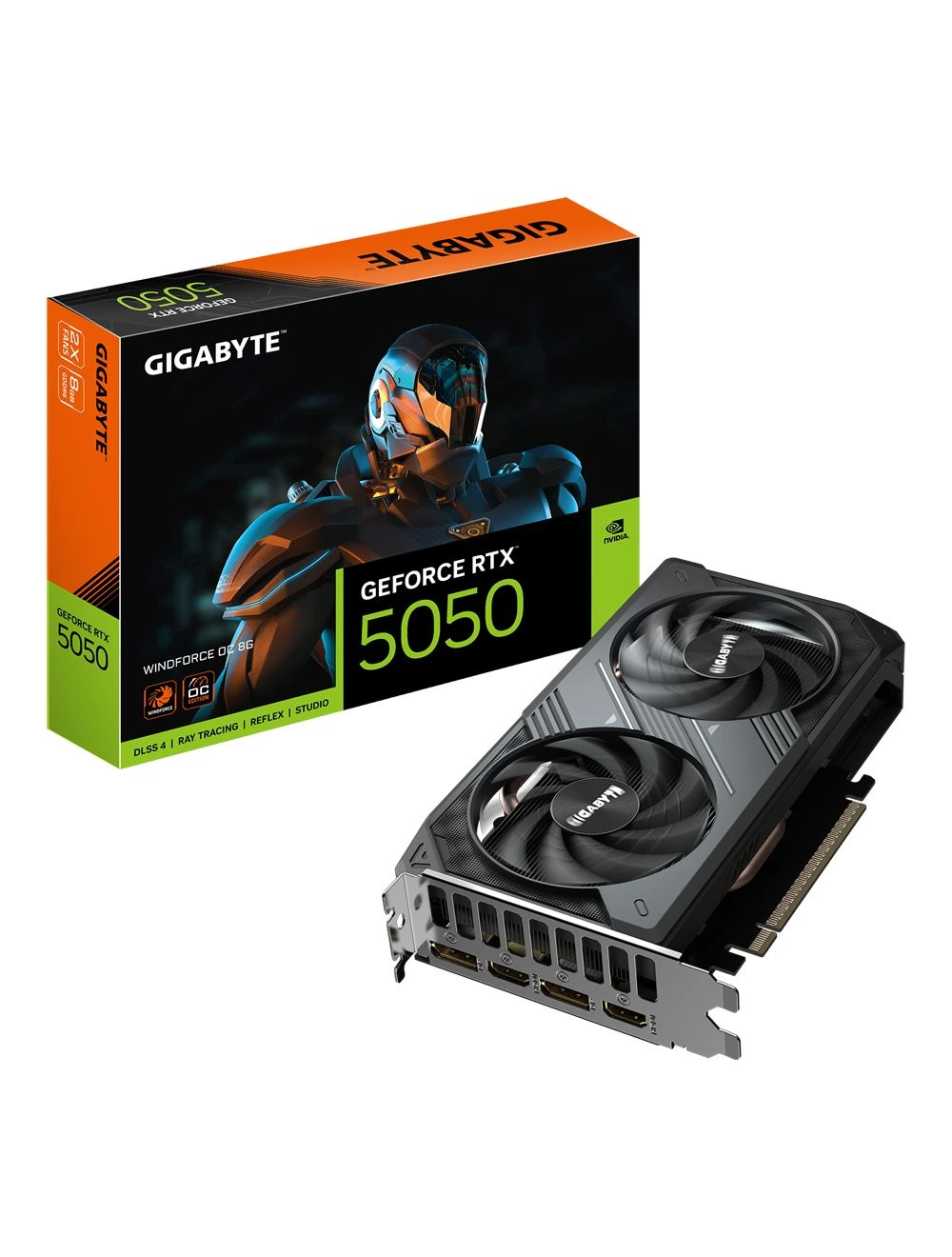
NVIDIA Cards is one of the leading companies when it comes to producing Graphics Cards. Having developed technology and utilizing AI to better its creations, NVIDIA still retains its customer loyalty through its quality. Although the RTX 5050 is notorious for its price to performance on release, the price of it has become better over the years because of the recent price increases of other in demand graphics cards specifically in the Philippine gaming market.
- Price Range is 22,000 – 25,000 Pesos which is much more expensive than the RX 7600XT by a few thousand depending on where you buy.
- 8GB VRAM which meets today’s standard of the modern gaming world.
- Draws 130 Watts of power which needs a 550 Watt Power Supply and up.
- 1 HDMI Port and 3 Display Ports like the RX 7600XT
- It is also a good 1080p Card and a budget entry level 1440p card like the RX 7600XT.
- Has DLSS and Frame Generation which boosts gaming performance without compromising too much on video quality. (This relies on AI to either generate frames or upscale images)
- Supports Raytracing (this feature is more about simulating how light works in real life) although ray tracing on budget cards is not the best as it heavily impacts performance.
- Has NVIDIA Studio which optimizes the performance when doing tasks like video editing and graphic design. (specially for Adobe products)
What GPU would suit you?
Ranging from low, mid range, and high end cards that can run resolutions of 1080p, 1440p or 4K. The two graphics cards that are mentioned fall under mid range gaming as both cards can play on native 1080p on medium to ultra settings with DLSS and Frame Generation enabled for NVIDIA and FSR and Frame Generation also for AMD.
In a nutshell, both cards are optimal for mid range builds as it allows gamers to play the AAA games that are released these days smoothly while still considering the budget. It all depends on the functionality that you are looking for.
AMD provides raw gaming power to people looking for good prices and good performance, while NVIDIA provides gaming and practicality into the mix with its software and assistance in image and video rendering. At the end of the day, it will always be about preference and need rather than what is the best there is in the market according to the critics.
The best deal is up to you!
The prices mentioned here can fluctuate overtime as the market changes every month based on its supply and demand. It can also be much cheaper in the second hand market but all of these suggestions are written assuming you are buying brand new!
Tech prices especially for RAM, SSDs, and Graphics Cards are in a bad spot because of AI Data Centers consuming most of the products that are meant for the consumer market.
Prices are not pretty, but the best we can do is research and try to look for good deals. So buy what you can. All you need to do is research!